A new course site on Tutor LMS
You have the courses recorded and an audience waiting. You need Tutor LMS installed, structured and selling, with the right checkout and only the add-ons you will use.
I set up, fix and extend Tutor LMS sites: the course builder, native or WooCommerce checkout, memberships and subscriptions, certificates, quizzes, and the custom pieces Tutor does not ship. 15 documented Tutor LMS builds, six of them below. 1,000+ projects for 600+ clients across 40+ countries, since 2019.
Tutor LMS covers a lot out of the box. The work is in setting it up for how you sell, and building the parts it stops short of.
You have the courses recorded and an audience waiting. You need Tutor LMS installed, structured and selling, with the right checkout and only the add-ons you will use.
Students pay and are not enrolled, course pages take seconds on a phone, an add-on update broke the dashboard. Usually it is the theme, the checkout or a plugin conflict, and it is fixable.
Tiered plans for parents, application forms for tutors, materials gated behind a membership, funding checks before enrolment. Small custom plugins, not a new platform.
Every item has shipped on a live Tutor LMS site. Each tile links to the case study.
Course structure with lessons, quizzes and assignments, in structured learning paths so students always know what comes next.
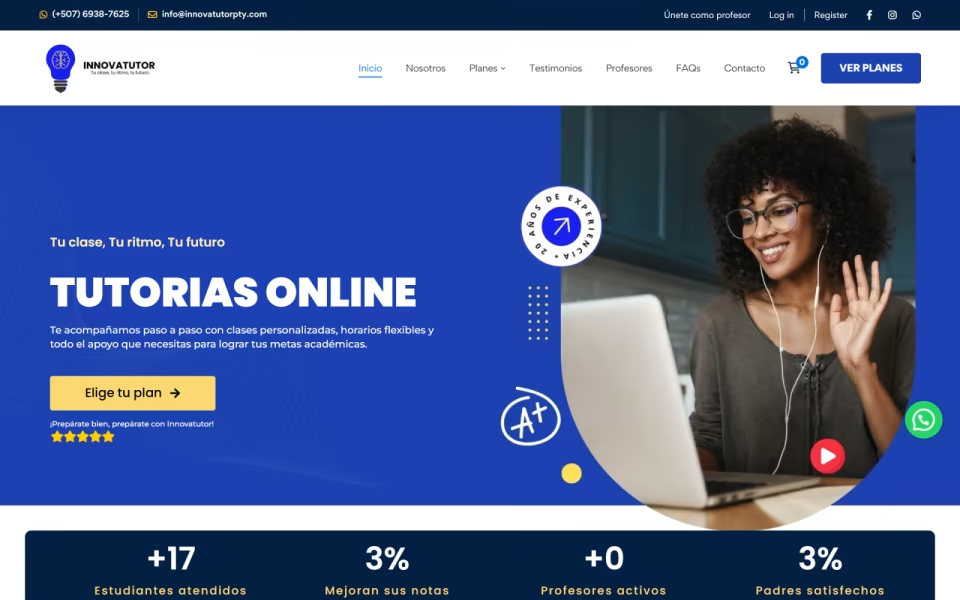
WooCommerce checkout with custom product attributes and billing logic for tiered monthly class plans, so parents compare and buy a plan in a few clicks.
Premium lessons, downloads and tools behind membership levels, with the free material still open to everyone.
Certification courses grouped by category, with assessments, certificates issued on completion and downloads limited to authorised members.
Course pages and step-by-step eligibility checks shaped around CPF funding rules, so eligible learners get through to the funding application and the mandatory labels stay in view.
Free accounts, a member dashboard and a video training library, ready to add paid programmes later without rebuilding.
Which one you pick decides the checkout, the add-ons and the reporting. I have built all four, so the choice gets made on the call, not by habit.
Tutor's native checkout or WooCommerce, one price per course. The simplest to run and the quickest to launch.
Monthly or yearly access to a library, with content gated by level. Needs Tutor's own subscription add-on, WooCommerce Subscriptions or a membership plugin, and careful renewal handling.
Plans that bundle classes, courses and support at different prices, often bought by parents or employers rather than the learner.
A free account and library to build the audience, with paid programmes, coaching or products added on top later.
Each one links to a case study: what was in the way, what I built, and what changed.
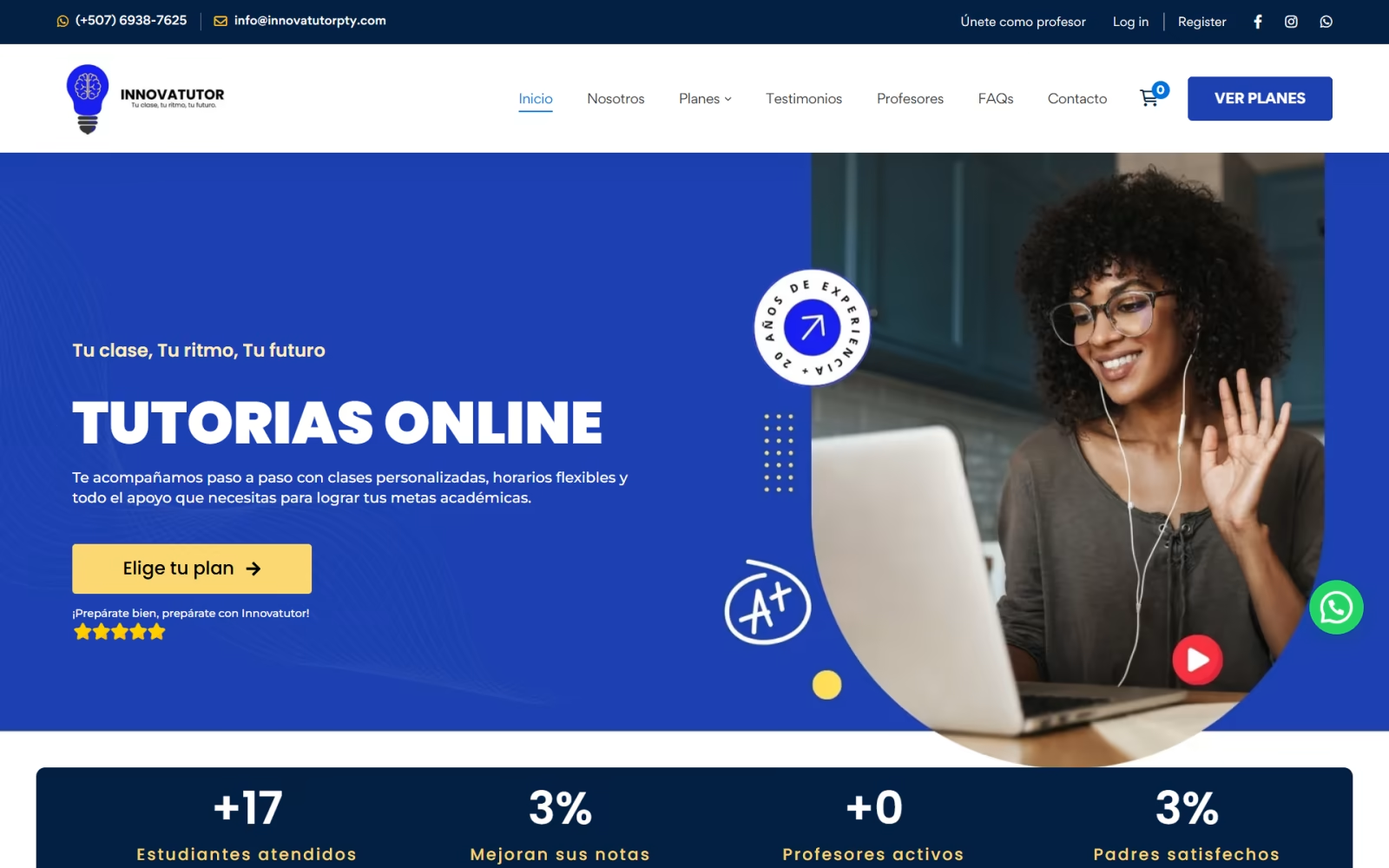
Innovatutor is an online tutoring platform in Panama offering 1-to-1 classes, live exam prep, recorded courses and seasonal bootcamps. Parents buy tiered monthly class plans through a custom…
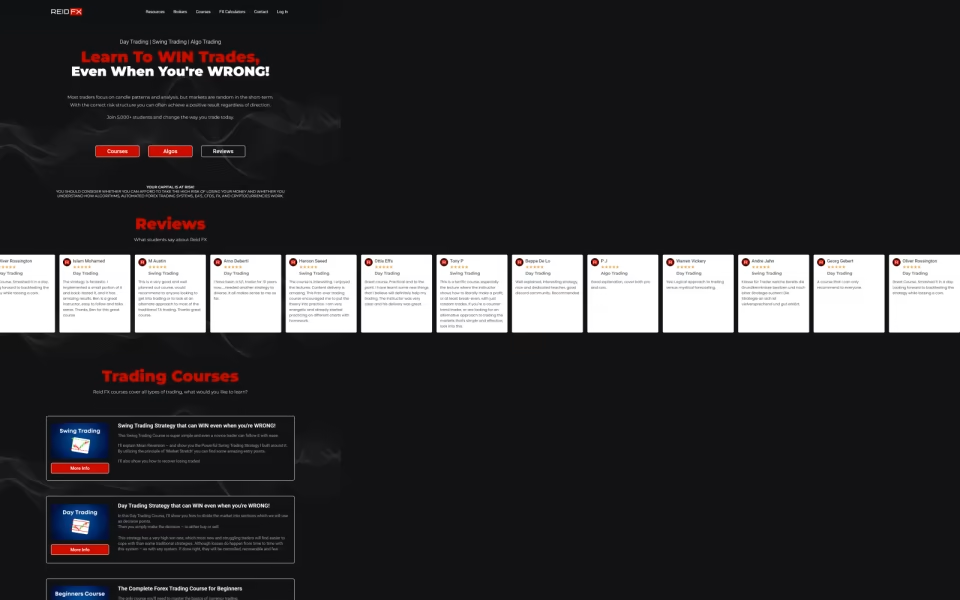
ReidFX teaches Forex trading to beginners and experienced traders. The site runs Tutor LMS courses with quizzes and assignments, gates premium material behind memberships, and includes custom risk…
OPLO Training Group is a security training academy in Dallas, Texas, offering armed and unarmed officer certification and executive protection courses. The site lists each course with hours,…
Educademy.fr is a Qualiopi-certified French training provider offering online courses eligible for CPF and other public funding. The site guides visitors through funding eligibility in steps, uses one…
Training Que offers online certification courses in business, workplace skills, health and safety, technology and marketing, plus coaching and downloads. The site groups courses by category, issues certificates…
SuperCar Haulers is a membership platform for car hauler drivers. Phase 1 gives drivers a free account, a dashboard, a library of video lessons on Tutor LMS, an…
No hourly meter running in the background. You know the price and what it covers before anything starts.
30 minutes on Google Meet. You show me the courses, how you sell them and what is not working.
A written scope and a fixed quote: which add-ons, which checkout, what gets built custom, and what does not.
Half up front, then the build. You review it working before anything goes live.
Go live, test enrolment and payment from start to finish, hand over. The second half is due on launch.
Optional monthly retainer for updates, fixes and small features. Pause it any time.
Fixed quotes after the call. Half up front, half on launch.
Setup, course structure, checkout, certificates and reporting.
Custom design, integrations, migration.
Not always. The free version covers courses, lessons, quizzes and basic enrolment. Pro adds things like certificates, assignments, content drip, Zoom and more payment options. I tell you on the call which features your plan actually needs.
Native checkout is simpler when you sell single courses. WooCommerce makes sense when you also sell subscriptions, bundles, products or need specific payment gateways. Most of the Tutor LMS builds documented here sell through WooCommerce.
Yes. Most Tutor LMS work I do is on existing sites: enrolment that fails after payment, slow course pages, dashboard errors after updates, and features the site is missing. Small fixes start at $49.
Yes. Subscriptions and memberships work with Tutor LMS through its own Pro add-ons, WooCommerce Subscriptions or a membership plugin. The important part is getting renewals, failed payments and access removal right, which is where most setups go wrong.
Yes. When the plugin gets you most of the way, the rest is usually a small custom plugin: application forms, tiered plans, funding checks, custom dashboards. It stays separate from Tutor, so a Tutor update is far less likely to break it.
Every build starts with a number, usually 1.5 seconds to show the main content on a mid-range phone. Tutor LMS itself is rarely the problem; the theme and the plugins around it are.
Dhaka, Bangladesh (GMT+6). I work with clients in 40+ countries and reply to every brief within one business day.
Book a 30-minute call, or send the brief first. Either way you get a written scope and a fixed price.
Book directly into my calendar, or send the brief and I reply within one business day, GMT+6.
Mon · 11:00–14:00, 15:00–19:00, 22:00–24:00; Tue–Thu · 10:00–14:00, 15:00–19:00, 22:00–24:00; Fri · 15:00–19:00, 22:00–24:00; Sat–Sun · 10:00–14:00, 15:00–19:00, 22:00–24:00 Dhaka time
Next open time: Tue 10 Nov, 10:00 Dhaka time
30-minute calls on Google Meet · at least 3 h notice · up to 30 days ahead.
Send the brief — what you are building, what it runs on today, roughly when. I read every one myself and reply with questions or a written scope.
Thanks — I read every brief myself, you will hear from me within one business day.
Want to skip ahead? Pick a slot above
Sent to my inbox ·