Progress and certificates do not follow
Every LMS stores completions, quiz results and certificates differently. Export tools move the course and leave students at zero, which they notice the same day.
Moving a course site to a new LMS plugin, a new theme or a new host without losing students, progress, certificates or orders. I have shipped Tutor LMS, LearnDash, LearnPress, MasterStudy and custom LMS sites, so I know what each one stores and where a move goes wrong. 1,000+ projects for 600+ clients across 40+ countries, since 2019.
Courses are the easy part. The migration tools export lessons and quizzes; they do not understand your students' progress, your orders or your old URLs.
Every LMS stores completions, quiz results and certificates differently. Export tools move the course and leave students at zero, which they notice the same day.
Enrolments bought through WooCommerce, subscriptions that must keep renewing, bundles and coupons. If the mapping is wrong, paying students lose access.
Course and lesson URLs change with the plugin. Without a redirect map, years of search traffic and shared links land on a 404.
The method is the same whether the move is LearnDash to Tutor LMS, a page builder to a custom theme, or one host to another.
Courses, lessons, quizzes, students, enrolments, progress, certificates, orders, subscriptions and URLs, counted on the old site so they can be counted again on the new one.
The whole move is rehearsed on a copy first. Nothing touches the live site until the dry run matches the inventory.
Student completions and quiz results are translated between the two systems' data models, not re-done by hand, and spot-checked with real accounts.
Enrolments bought through WooCommerce keep their access and subscriptions keep their renewal dates, checked against the old orders list.
Each old course, lesson and category URL gets a 301 to its new home, so search rankings and shared links survive the switch.
When the move is to a new theme rather than a new LMS, the custom code moves into its own plugin and the live data is never touched.
Say which two ends you have and I will tell you on the call what carries over automatically, what needs mapping, and what is worth leaving behind.
Courses move with the tools from LearnDash to Tutor LMS; the way back is a custom import. Groups, seats, drip rules and certificates need mapping either way, because the two plugins model them differently.
Usually a move to grow. Progress and orders need a custom mapping; the new structure is a chance to fix what the old setup got wrong.
Same LMS, new front end. The win is speed and editability; the risk is custom code hidden in the old theme, which moves into a plugin.
From Teachable, Thinkific or similar. Content exports; students re-enrol through imported accounts and a clear first-login flow.
Same site, new server. The quiet one, where cron jobs, email, caching and payment webhooks are what break if nobody checks them.
A migration only goes well when you know what each LMS stores. These are shipped sites on each of the platforms a move usually starts from or ends on.
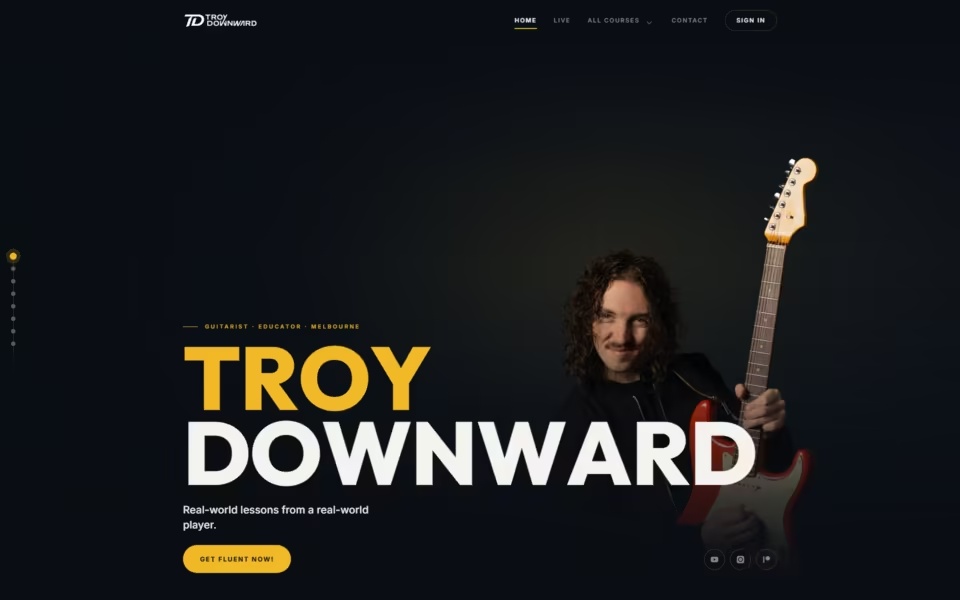
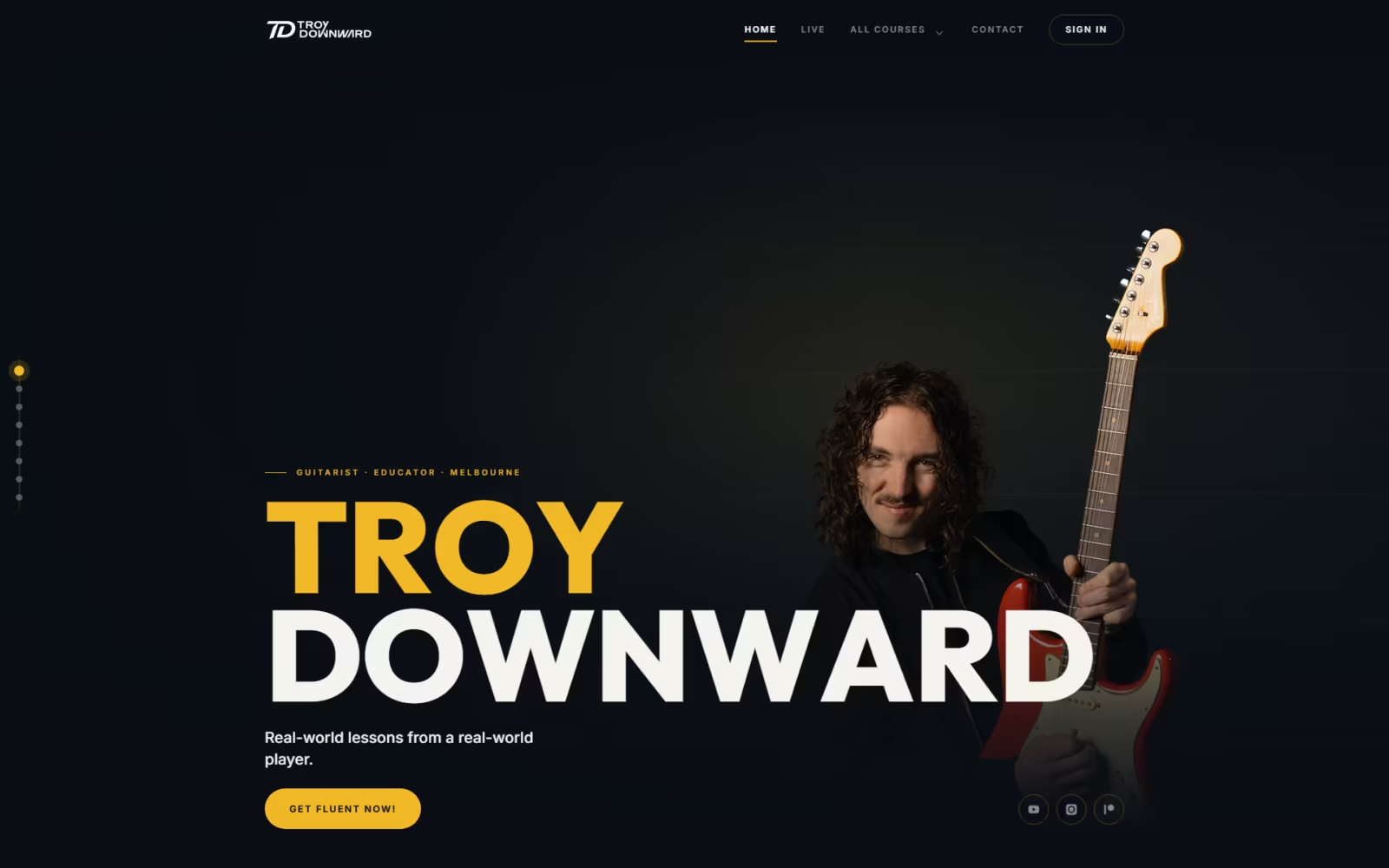
Melbourne guitarist Troy Downward sells courses on LearnDash and WooCommerce. The site was rebuilt on a custom theme with no page builder, client code was moved into its…
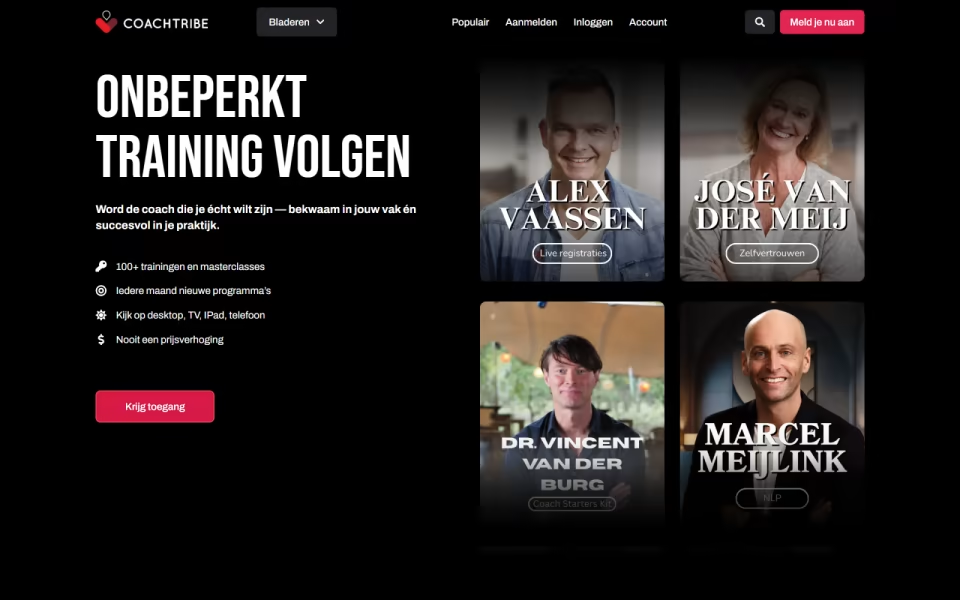
CoachTribe is a membership academy from the Dutch UNLP institute, with over 100 on-demand modules for coaches, leaders and HR teams. It combines LearnDash with subscription tiers, a…
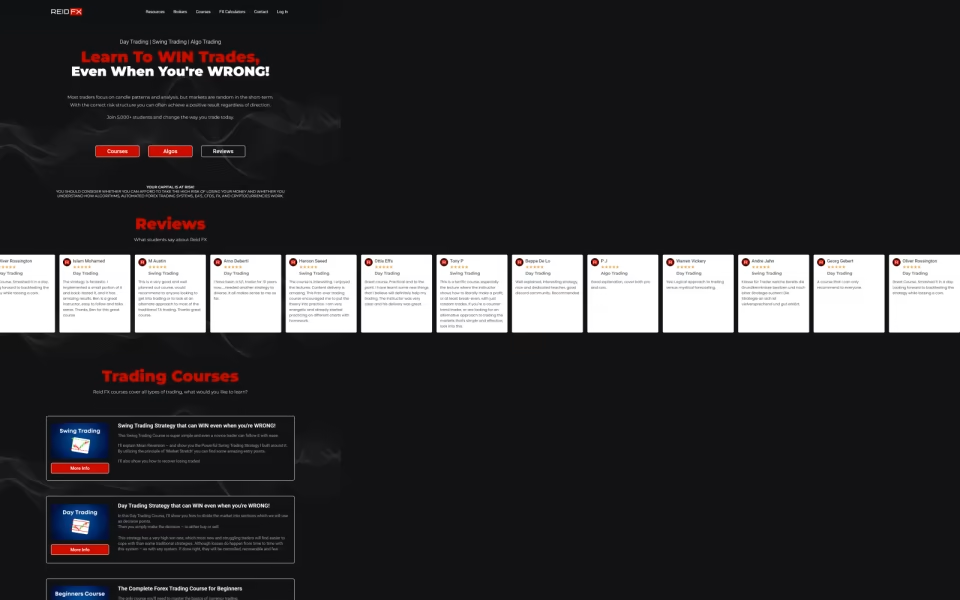
ReidFX teaches Forex trading to beginners and experienced traders. The site runs Tutor LMS courses with quizzes and assignments, gates premium material behind memberships, and includes custom risk…
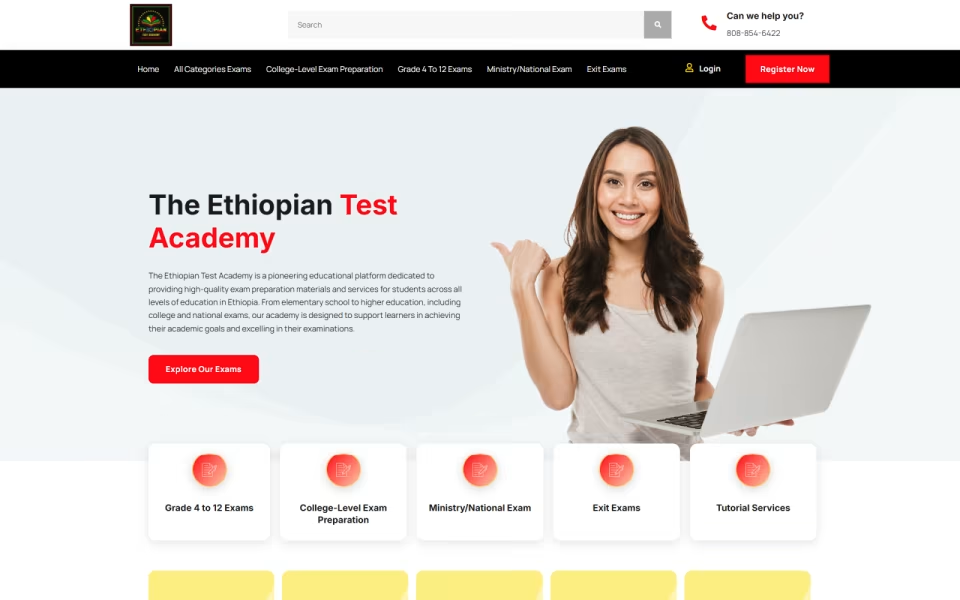
EthiopianExam is an online assessment platform where students enrol in courses, submit assignments, take quizzes and track progress. Custom back-end work handles assignment grading, quiz security and moderation,…
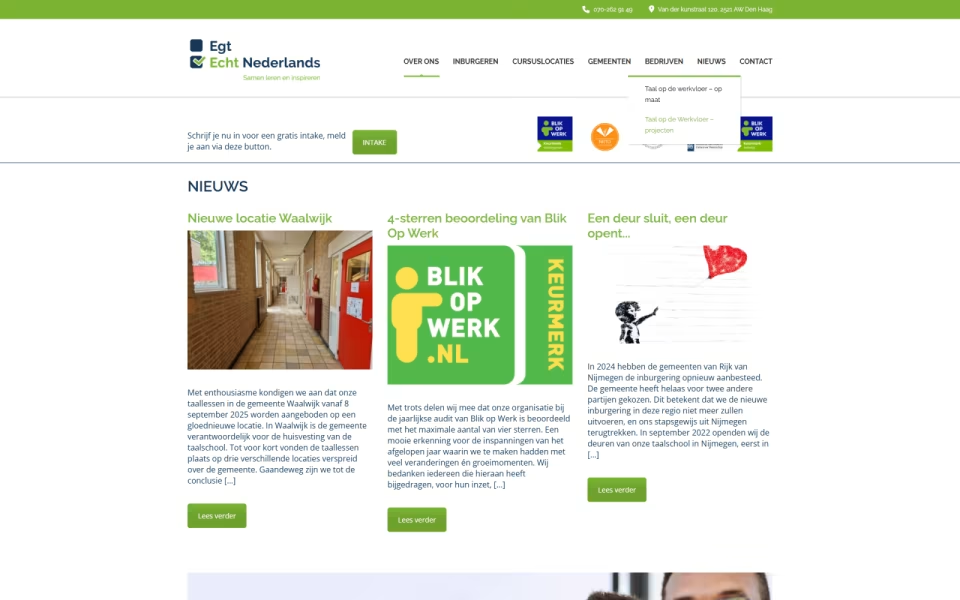
Echt Nederlands teaches Dutch online at several levels. Built on MasterStudy LMS, the site organises lessons, quizzes and progress tracking by level, with custom course layouts and dashboards…
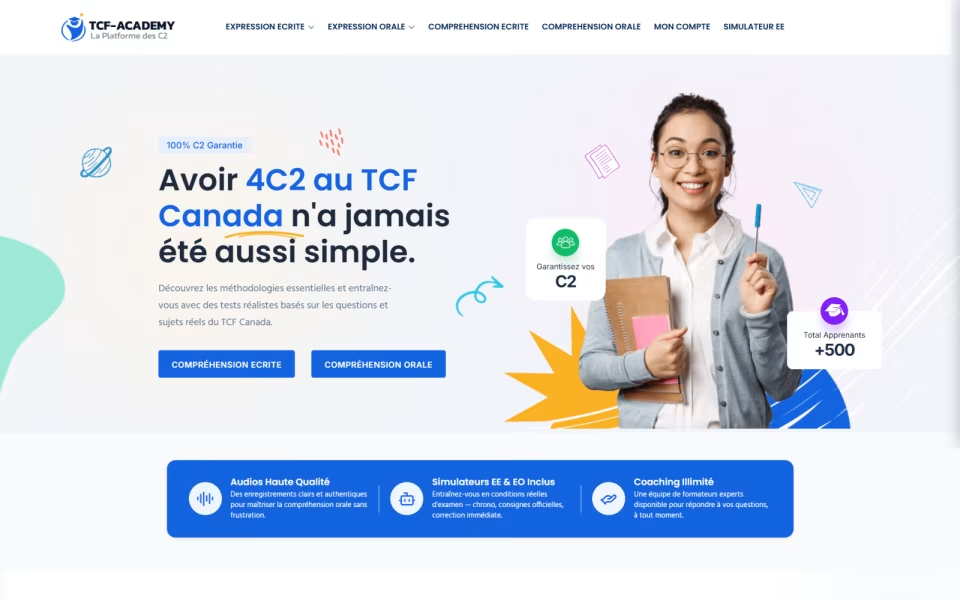
TCF Academy prepares candidates for the TCF Canada French exam. Custom WordPress simulators reproduce exam conditions with timers, AI-assisted scoring gives instant feedback, weekly reports shape each study…
A fixed price for the whole move, with the live site untouched until the rehearsal matches the numbers.
30 minutes on Google Meet. You show me the current site, where it is going, and what must not break.
Counts of everything that has to move, a written scope and a fixed quote, including the redirect map.
Half up front. The migration is run on a copy and checked against the inventory with real student accounts.
A short, announced window. The live move, redirects on, payments and emails tested end to end.
Counts compared again after the switch, the second half due on sign-off, and an optional retainer for the weeks after.
Fixed quotes after the call and the inventory. Half up front, half on sign-off.
Same LMS and design: a new server or domain, with redirects and checks.
Courses, students, progress, orders and redirects mapped and verified.
New design or platform plus the move, in one scope.
The weeks after a move are when small things surface.
Not if progress is mapped rather than left to the export tool. Completions and quiz results are translated between the two systems and spot-checked with real accounts on staging before the live switch. If something cannot be carried across, you know before the move, not after.
Because the whole move has already been run on staging, the live switch is a short, announced window agreed in the scope, and the old site stays reachable until the new one is verified.
Every old course, lesson and category URL is mapped to a 301 before the switch, so Google and anyone holding an old link land on the right page instead of a 404. The redirect map is part of the fixed scope, and I check it against the old URL list after the move.
Yes, within what their export includes. Course content and student accounts come across, and a clear first-login flow gets learners into the new site. Progress from a hosted platform only moves if it is in the export, and I tell you exactly what that is before quoting.
It depends on how you sell. Teams and groups point to LearnDash; individual course sales and simplicity point to Tutor LMS. The LMS comparison on the WordPress LMS Development page explains the trade-offs, and I settle it with you on the call.
Yes, admin access to the old site and the new host, so the inventory and the dry run use real data. Nothing on the old site is changed until the switch.
Dhaka, Bangladesh (GMT+6). I work with clients in 40+ countries and reply to every brief within one business day.
Book a 30-minute call, or send the brief first. Either way the next step is an inventory, a written scope and a fixed price.
Book directly into my calendar, or send the brief and I reply within one business day, GMT+6.
Mon · 11:00–14:00, 15:00–19:00, 22:00–24:00; Tue–Thu · 10:00–14:00, 15:00–19:00, 22:00–24:00; Fri · 15:00–19:00, 22:00–24:00; Sat–Sun · 10:00–14:00, 15:00–19:00, 22:00–24:00 Dhaka time
Next open time: Tue 10 Nov, 10:00 Dhaka time
30-minute calls on Google Meet · at least 3 h notice · up to 30 days ahead.
Send the brief — what you are building, what it runs on today, roughly when. I read every one myself and reply with questions or a written scope.
Thanks — I read every brief myself, you will hear from me within one business day.
Want to skip ahead? Pick a slot above
Sent to my inbox ·